Best WordPress Themes for AI-Optimized Content Sites (2026)
If you are building a content site in 2026, you already know that being visible in AI search matters. People find answers through ChatGPT, Perplexity, and Google’s AI features — and your content needs to be easy for these systems to read and understand.
A big part of that starts with something many people overlook: your WordPress theme.
Your theme controls how your site is built, how fast it loads, how clean your code is, and how well your content is structured. All of these can affect how easily search engines and AI-assisted systems crawl, render, and extract your pages. A slow, cluttered theme can work against you, while a fast, clean one gives your content a strong foundation.
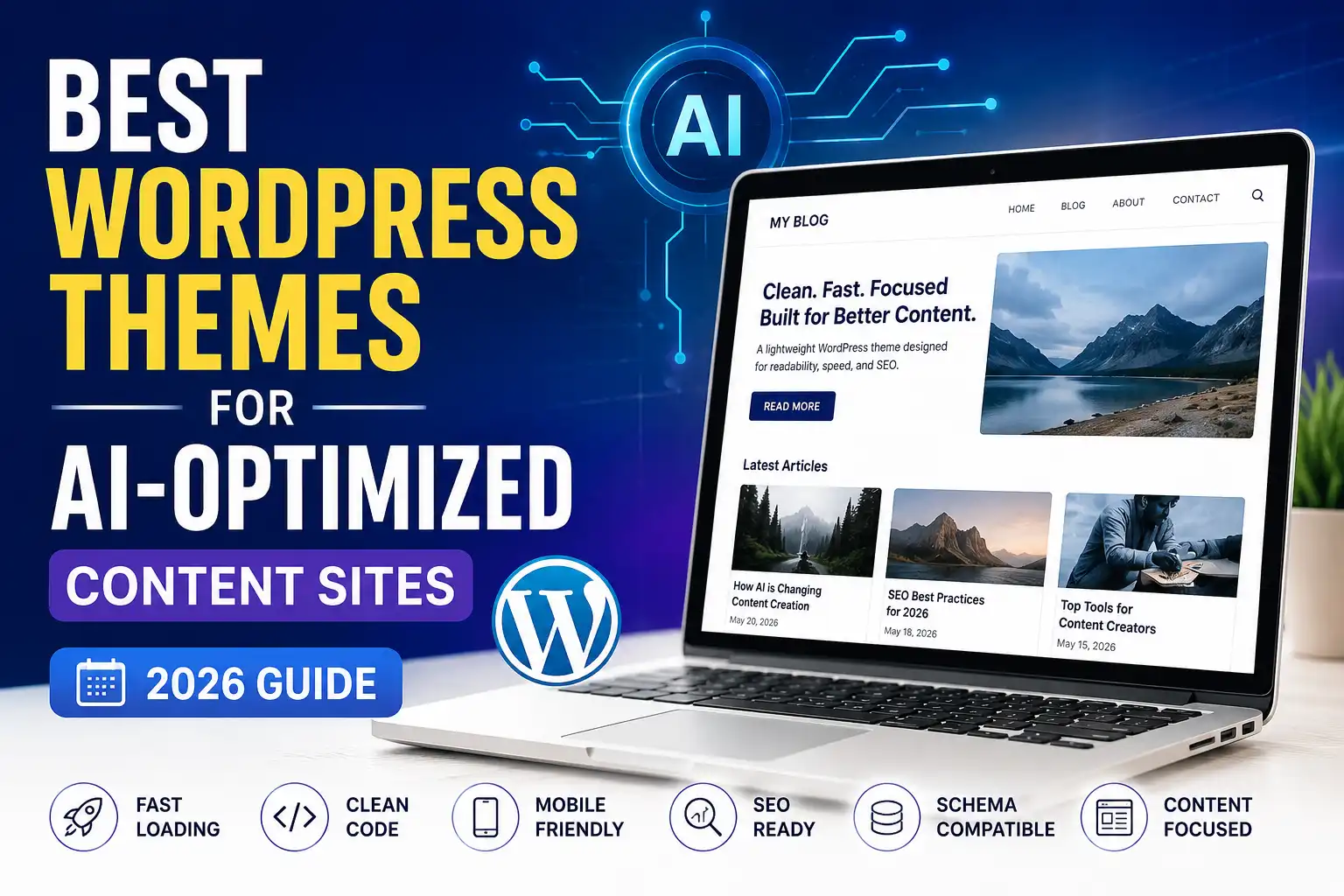
Choosing the best WordPress themes for AI-optimized content sites is not about chasing the flashiest design. It is about picking a theme that is fast, clean, well-structured, and content-focused. This guide explains exactly what to look for, and shares honest theme options worth considering — without hype or unrealistic promises.
Let us find the right foundation for your content site.
Quick Summary: What Makes a Theme AI-Friendly
|
Feature |
Why It Matters |
|---|---|
|
Fast loading |
Speed supports SEO and user experience |
|
Clean code |
Easier for search engines and AI to read |
|
Content-focused design |
Keeps the focus on your articles |
|
Good structure |
Clear headings help AI understand content |
|
Mobile-friendly |
Most readers use mobile devices |
|
Schema compatibility |
Supports structured data through SEO plugins or custom markup |
|
Lightweight |
Fewer heavy scripts means better performance |
The best theme for an AI-optimized content site is fast, clean, and content-focused — a strong foundation that lets your content shine.
Why Your WordPress Theme Matters for AI Search
You might wonder how a theme connects to AI search visibility. The connection is real, even if indirect. In simple terms, your WordPress theme can support AI search visibility indirectly by improving speed, structure, and readability.
Speed affects everything. A theme’s code and design affect how fast your pages load. Page speed can influence both user experience and search performance, which matters for traditional and AI search alike.
Clean, semantic code can make it easier for search engines and AI-assisted systems to crawl, render, and extract page content. A theme with clean, well-structured code is easier for them to process than one with messy, bloated code. This connects to how AI crawlers read your website.
Structure supports understanding. A good theme presents your content with clear headings and logical structure, which supports crawlability, structure, and readability for both readers and AI-assisted systems.
Design affects readability. A clean, content-focused design keeps the focus on your articles, making them easier to read and extract information from.
Mobile experience matters. Most people browse on mobile. A mobile-friendly theme ensures your content works well for the majority of your audience.
The honest truth is that a theme alone will not make or break your AI visibility — your content quality matters most. But a fast, clean theme gives your content the best possible foundation, while a slow, cluttered one can hold it back.
Theme choice is a foundation-level factor, not a primary ranking factor. Content quality, internal linking, metadata, site architecture, and technical SEO usually have a bigger impact on long-term search visibility.
What Makes a WordPress Theme AI-Optimized
There is no official “AI-optimized” certification for themes. Instead, an AI-friendly theme is simply a lightweight, well-structured theme that supports technical SEO and content readability — the qualities that support technical SEO, content readability, and structured content delivery.
Here is what that means in practice:
It is fast and lightweight. The theme does not weigh your site down with heavy code, unnecessary scripts, or bloat. Fast-loading pages support both SEO and user experience.
It has clean, semantic code. The theme uses proper HTML structure and clean code. Semantic code (using proper headings, sections, and tags) supports crawlability, structure, and readability.
It is content-focused. The design keeps the focus on your content rather than distracting elements. This benefits readers and makes your content easier to extract.
It supports good structure. The theme makes it easy to use clear headings (H1, H2, H3), organized layouts, and readable formatting.
It works with SEO tools. A good theme works smoothly with SEO plugins and is compatible with schema markup added through those plugins or structured content, which helps machines understand your content.
It is mobile-responsive. The theme looks and works great on all devices, especially mobile.
In short, a lightweight, well-structured theme is not about special AI features — it is about solid fundamentals that create a clean, fast, readable site. These same qualities have always defined good themes; they just matter even more now.
Key Features to Look For
When choosing a theme for an AI-optimized content site, focus on these features.
Speed and Performance
Look for lightweight themes designed for speed. Themes that load quickly and do not add unnecessary bloat give your content a strong foundation. Speed is one of the most important factors.
Clean, Semantic Code
Choose themes known for clean, well-structured code. This makes your site easier for search engines and AI systems to read and understand.
Content-Focused Design
Pick a theme that puts your content front and center, with readable typography and a clean layout. Avoid themes cluttered with distracting elements.
SEO Compatibility
Ensure the theme works well with popular SEO plugins and works well with schema markup through SEO plugins or structured content. Note that schema is usually implemented by SEO plugins or structured content rather than by the theme itself — so what you want is a theme that does not get in the way. This supports both traditional and AI search optimization. Our comparison of Rank Math vs Yoast SEO covers SEO plugins that pair well with good themes.
Mobile Responsiveness
The theme must work perfectly on mobile devices, since most readers browse on phones. Mobile-friendliness is essential.
Customization Without Bloat
Look for themes that let you customize your site without adding heavy code. Flexibility is good, but not at the cost of speed.
Regular Updates and Support
Choose themes that are actively maintained and well-supported. This ensures compatibility, security, and reliability over time.
Best WordPress Themes to Consider
Here are some popular themes known for the qualities that suit AI-optimized content sites. These are examples worth considering, not a ranked list of “the best” — the right choice depends on your specific needs.
⚠️ Theme features, pricing, and plans change over time. Always verify current details on each theme’s official website before deciding.
Astra
Astra is one of the most popular lightweight WordPress themes, widely used for content sites and blogs.
- Known for: Speed, lightweight code, and flexibility
- Good for: Content sites that want a fast, versatile theme
- Why consider it: Astra is designed to be fast and works well with page builders and SEO plugins. It has a large user base and many resources available.
Astra offers a free version, with premium plans for more features. It is a common starting point for content sites that prioritize speed.
GeneratePress
GeneratePress is a lightweight theme with a strong reputation for speed and clean code.
- Known for: Excellent performance, clean code, and stability
- Good for: Content sites that prioritize speed and simplicity
- Why consider it: GeneratePress is highly regarded for its lightweight, well-coded foundation. It is a favorite among performance-focused site owners.
GeneratePress offers a free version, with a premium version adding more customization. It is often praised for its focus on speed and clean code.
Kadence
Kadence is a popular lightweight, performance-friendly option that aims to balance features with performance.
- Known for: Flexibility, modern design tools, and good performance
- Good for: Content sites that want design flexibility without heavy bloat
- Why consider it: Kadence offers a good balance of customization options and speed, with a modern block-based approach that works well with the WordPress editor.
Kadence offers a free version, with premium plans for advanced features. It is popular for those who want both flexibility and performance.
Blocksy
Blocksy is a popular lightweight, performance-friendly option built with the WordPress block editor in mind.
- Known for: Speed, modern design, and block editor integration
- Good for: Content sites using the native WordPress block editor
- Why consider it: Blocksy is designed to be fast and works smoothly with Gutenberg, making it a good fit for content-focused sites that use the block editor.
Blocksy offers a free version, with premium plans for more features. It is a strong modern option for block-based content sites.
Neve
Neve is a popular lightweight, performance-friendly option that is beginner-friendly and focused on simplicity.
- Known for: Lightweight design, ease of use, and speed
- Good for: Beginners who want a fast, simple content site
- Why consider it: Neve is designed to be fast and easy to use, making it approachable for beginners while still offering good performance.
Neve offers a free version, with premium plans for additional features. It is a beginner-friendly option that does not sacrifice speed.
For a broader look at themes beyond these, our guide on best WordPress themes for bloggers covers additional options in detail.
How to Choose the Right Theme
With several good options, here is a simple way to decide.
Step 1: Prioritize speed. For an AI-optimized content site, speed is the top priority. Choose a theme known for being lightweight and fast. All the themes above qualify.
Step 2: Match it to your workflow. Do you use the WordPress block editor, or a page builder? Choose a theme that fits how you like to build. Blocksy and Kadence work great with the block editor, while Astra works well with page builders too.
Step 3: Consider your skill level. If you are a beginner, choose a theme known for ease of use, like Neve or Astra. If you want more control, GeneratePress or Kadence offer depth.
Step 4: Check SEO compatibility. Make sure the theme works well with your SEO plugin and supports clean structure and schema. All the themes above generally do.
Step 5: Start with the free version. Most of these themes offer free versions. Start free, test the theme with your content, and upgrade to premium only if you need the extra features.
Beginner tip: Do not overthink this. Any of the lightweight themes above gives you a strong foundation. The theme matters, but your content matters more — so pick a fast, clean theme and focus your energy on creating great content.
Theme Setup Tips for AI Optimization
Once you have chosen a theme, here is how to set it up for the best AI and search optimization.
Keep it lightweight. Do not overload your theme with unnecessary features, plugins, or heavy elements. Keep your site lean for the best speed.
Use clear headings. Structure your content with proper headings (H1 for the title, H2 and H3 for sections). This helps both readers and AI systems understand your content.
Optimize your images. Large images slow down your site. Compress and properly size images to keep your pages fast.
Enable caching. Use a caching solution to speed up your site further. Many themes work well with caching plugins.
Add schema markup. Use an SEO plugin to add schema markup, which helps machines understand your content. This supports both traditional and AI search.
Prioritize mobile. Check that your site looks and works great on mobile devices, since most visitors use phones.
Keep the design clean. A clean, uncluttered design keeps the focus on your content and makes it easier to read and extract. This connects to broader technical SEO practices.
Common Theme Mistakes to Avoid
Choosing a heavy, bloated theme Feature-packed themes with lots of built-in elements can be slow. For content sites, lightweight and fast beats feature-heavy every time.
Prioritizing looks over speed A beautiful but slow theme hurts your performance. Balance design with speed, and lean toward speed for content sites.
Adding too many plugins Even with a good theme, piling on plugins slows your site. Use only the plugins you genuinely need.
Ignoring mobile experience A theme that looks good on desktop but poor on mobile fails most of your audience. Always prioritize mobile.
Not optimizing images Even a fast theme slows down with large, unoptimized images. Always compress and size your images properly.
Overcomplicating the design Cluttered designs distract readers and can make content harder to extract. Keep it clean and content-focused.
Assuming the theme does everything A good theme is a foundation, not a complete solution. You still need quality content, good SEO, and proper optimization.
Frequently Asked Questions
Q1: What is the best WordPress theme for AI-optimized content sites?
There is no single “best” theme for everyone — the right choice depends on your needs, skill level, and workflow. However, lightweight, fast, clean-coded themes like Astra, GeneratePress, Kadence, Blocksy, and Neve are all strong options for AI-optimized content sites. The key qualities to look for are speed, clean code, content-focused design, and good structure, rather than flashy features.
Q2: Do WordPress themes really affect AI search visibility?
Themes affect AI search indirectly. A theme influences your site’s speed, code cleanliness, and content structure — all of which can support how easily search engines and AI-assisted systems crawl, render, and extract your content. A fast, clean theme gives your content a strong foundation, while a slow, cluttered one can hold it back. However, your content quality matters most; the theme is a supporting factor.
Q3: Should I use a free or premium theme?
Free versions of good themes like Astra, GeneratePress, and Neve are often enough to start with. They provide the speed and clean code that matter most. Premium versions add more customization and features, which you can upgrade to if you need them. For beginners, starting with a free version and upgrading later is a sensible, budget-friendly approach.
Q4: Are lightweight themes better for content sites?
Generally, yes. Lightweight themes load faster, have cleaner code, and put the focus on your content — all of which benefit content sites and support AI search visibility. Heavy, feature-packed themes can slow your site down. For content-focused sites, a lightweight theme is usually the better choice, prioritizing speed and readability over lots of built-in features.
Q5: Does my theme need special AI features?
No. There is no need for special “AI features” in a theme. What matters are solid fundamentals: speed, clean code, good structure, and content-focused design. These qualities support how search engines and AI-assisted systems crawl and process your content. A theme with strong basics is more valuable than one advertising AI features but lacking good performance.
Q6: Can I change my theme later without losing content?
Yes. Your content in WordPress is stored separately from your theme, so switching themes does not delete your posts and pages. However, some design and layout settings may need adjusting after a switch. It is wise to back up your site before changing themes and to test the new theme carefully. Many site owners do switch themes as their needs evolve.
Q7: How do I make my theme load faster?
To speed up your theme: choose a lightweight theme to start with, optimize and compress your images, use a caching plugin, limit unnecessary plugins, and keep your design clean. Many hosts and plugins also offer performance features. A fast theme combined with these optimizations gives your content site the speed that supports both user experience and search visibility.
Final Verdict
Choosing the right WordPress theme for an AI-optimized content site comes down to a simple principle: prioritize speed, clean code, and content-focused design over flashy features.
The good news is that you have several excellent options. Lightweight, well-coded themes like Astra, GeneratePress, Kadence, Blocksy, and Neve all provide the strong foundation that content sites need. Any of them gives your content a fast, clean, readable home that search engines and AI systems can easily process.
Remember the honest truth throughout: your theme is a foundation, not a magic solution. A fast, clean theme supports your content, but it cannot replace quality writing, good SEO, and genuine value. The theme sets the stage; your content is the star.
Here is where to start:
1. Choose a lightweight, fast theme. Pick one of the well-coded options above, and prioritize speed above flashy features.
2. Set it up cleanly. Use clear headings, optimize images, enable caching, and keep your design uncluttered.
3. Focus on content. With a strong theme foundation in place, put your energy into creating genuinely helpful, well-structured content.
Get your theme foundation right, keep your content valuable, and you give your content site the best possible chance to perform — in traditional search and AI search alike.
Disclaimer: WordPress theme features, pricing, and plans vary and change over time. The guidance in this article reflects general best practices as of 2026 and does not endorse any specific theme. Theme names are mentioned as examples, not ranked recommendations. Always verify current features and pricing on each theme’s official website, and test themes with your own content before deciding. A theme supports but does not guarantee search or AI visibility.
Sources and Further Reading
Related Guides on TotalInfoHub
- Best WordPress Themes for Bloggers — totalinfohub.com/best-wordpress-themes-for-bloggers/
- Rank Math vs Yoast SEO — totalinfohub.com/rank-math-vs-yoast-seo/
- Elementor vs Gutenberg — totalinfohub.com/elementor-vs-gutenberg/
- Technical SEO Guide — totalinfohub.com/technical-seo-beginner-to-advanced-guide/
- How AI Crawlers Read Your Website — totalinfohub.com/how-ai-crawlers-read-your-website/
- Best Hosting for AI-Generated Content Websites — totalinfohub.com/best-hosting-for-ai-generated-content-websites/